
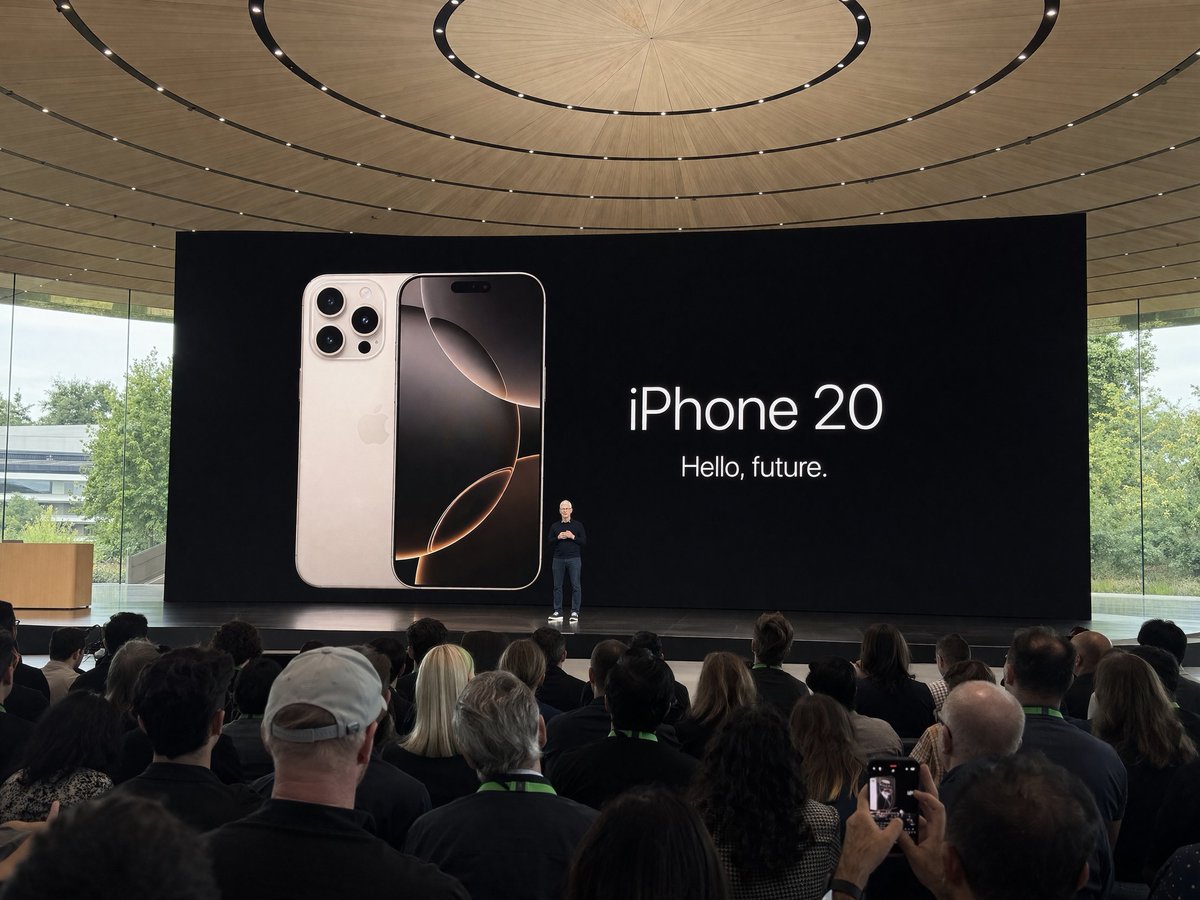
Pattern: PhotographyOpenNana
Apple Park Keynote Crowd Shot
Amateur iPhone photo at Apple Park during the iPhone 20 keynote, Tim Cook presenting on stage. Shot from the crowd at a distance
Use GPT Image 2 directly inside Cyberbara for both text-to-image and image-to-image. No OpenAI billing setup, no Kie API key, and no separate integration work. Just open the tool and start generating.
New immersive mode
Type a place and time, then turn that idea into a full-screen panorama scene. The new 360 page includes instant sample environments and custom GPT Image 2 generation behind login and credits.
Prompt library
Open a dedicated library page built from awesome-gpt-image examples. Multi-image examples are grouped into slideshows, and every card keeps the source links and prompt text easy to reuse.
Share
Share this tool.
You do not need to create, store, rotate, or pay through your own GPT Image 2 API key. Cyberbara handles the model access for you.
The embedded tool supports both modes on the same page, and this landing page defaults both tabs to GPT Image 2.
Use credits instead of wiring your own stack. That makes it easier to test prompts, try references, and compare results without setup overhead.
A curated prompt gallery is still useful when you want ideas, compositions, and reference patterns. Copy any prompt below and run it immediately with GPT Image 2 on Cyberbara.
Amateur iPhone photo at Apple Park during the iPhone 20 keynote, Tim Cook presenting on stage. Shot from the crowd at a distance
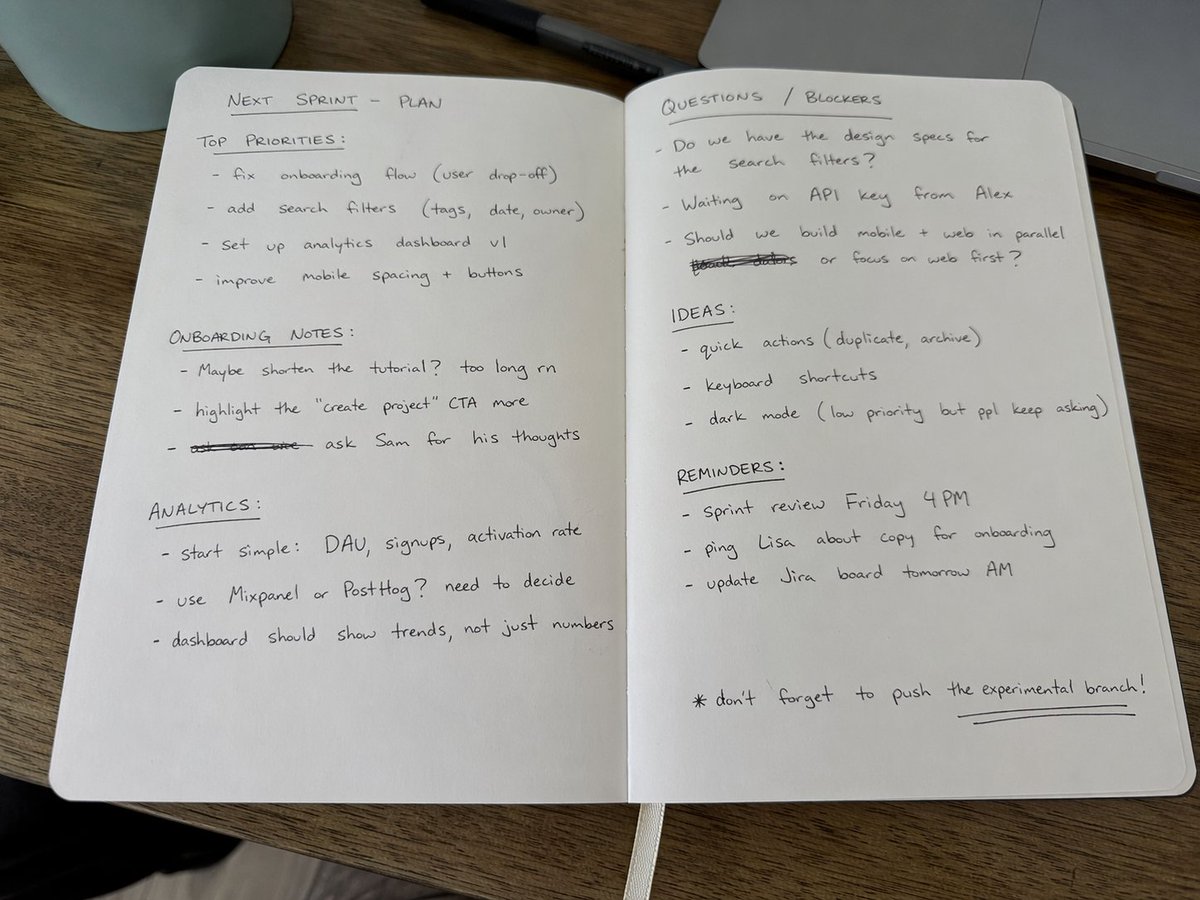
Amateur photo of an open notebook lying flat, filled with handwritten notes in black ballpoint pen. The handwriting is casual and slightly messy, like personnal notes, natural imperfections, crossed out words, underlined headings. Shot from slightly above, natural daylight from a window, no flash. Casual desk setting, shot on iPhone
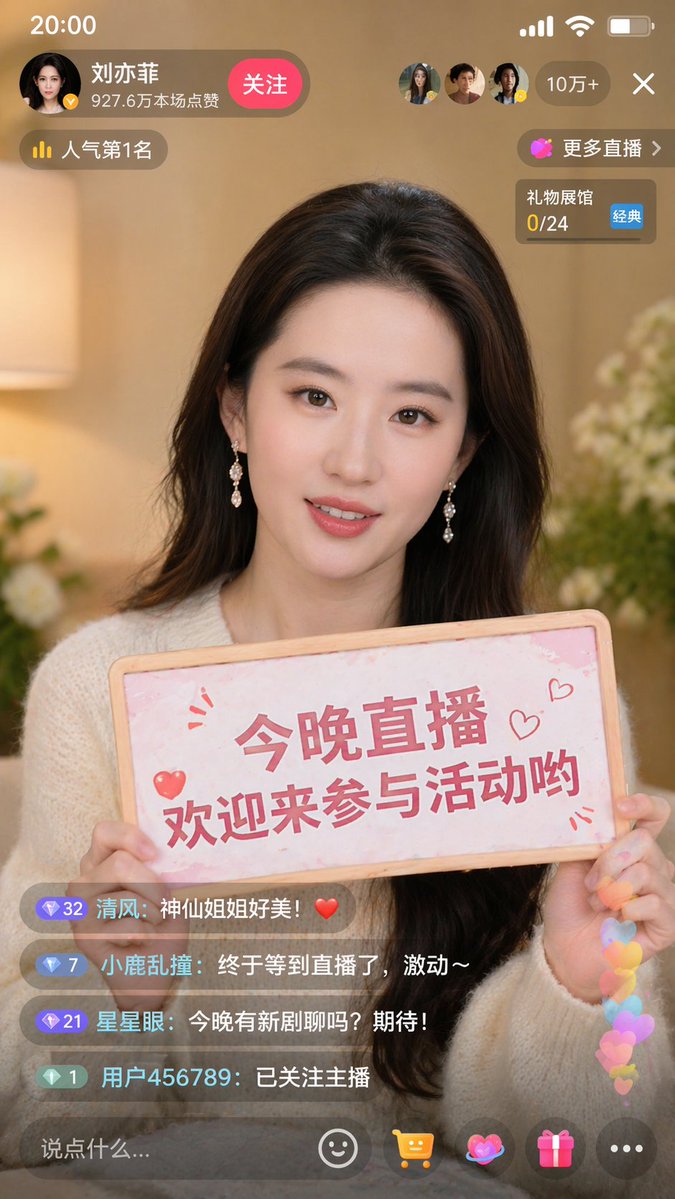
9:16 aspect ratio, generate a screenshot of a Douyin live stream, inside is Liu Yifei live streaming, Liu Yifei is holding a sign in her hand, the sign says Tonight's live stream, welcome to join Yifei for a chat!
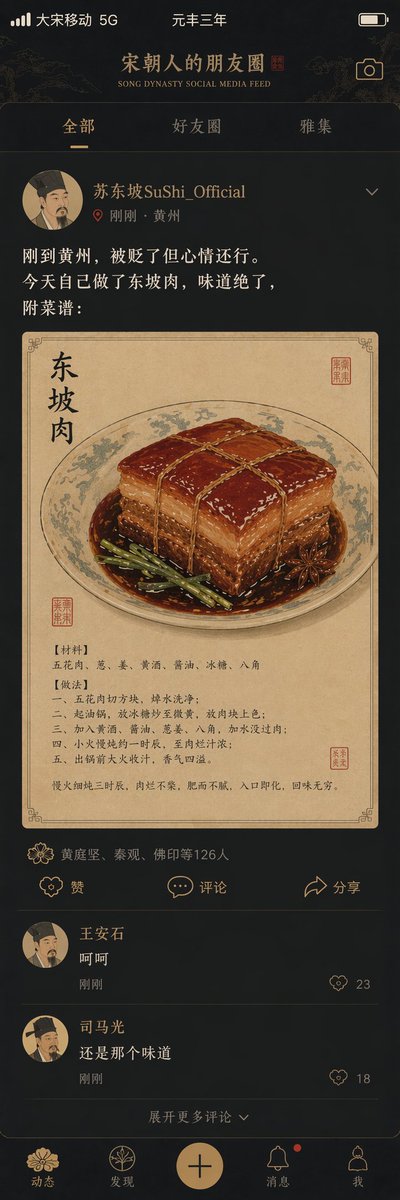
"Song Dynasty People's Moments"/"SONG DYNASTY SOCIAL MEDIA FEED", Ancient and modern time-travel humor fusion interface design style, The image simulates a mobile phone social media interface, but the content is entirely Song Dynasty scenes, The avatar is a portrait of a Song Dynasty literati, Username "Su Dongpo SuShi_Official", Post content "Just arrived in Huangzhou, demoted but feeling okay. Made Dongpo pork myself today, tastes amazing, recipe attached:", The attached image is a close-up of Dongpo pork in Gongbi painting style, Likes list "Huang Tingjian, Qin Guan, Fo Yin etc. 126 people", Comments section "Wang Anshi: Hehe" "Sima Guang: Still the same taste", Interface elements such as the like icon are replaced with Song Dynasty patterns, The status bar shows "Great Song Mobile 5G" and "Third Year of Yuanfeng", The color scheme is mobile phone dark mode paired with elegant Song Dynasty tones, A masterpiece of fun collision between history and social media
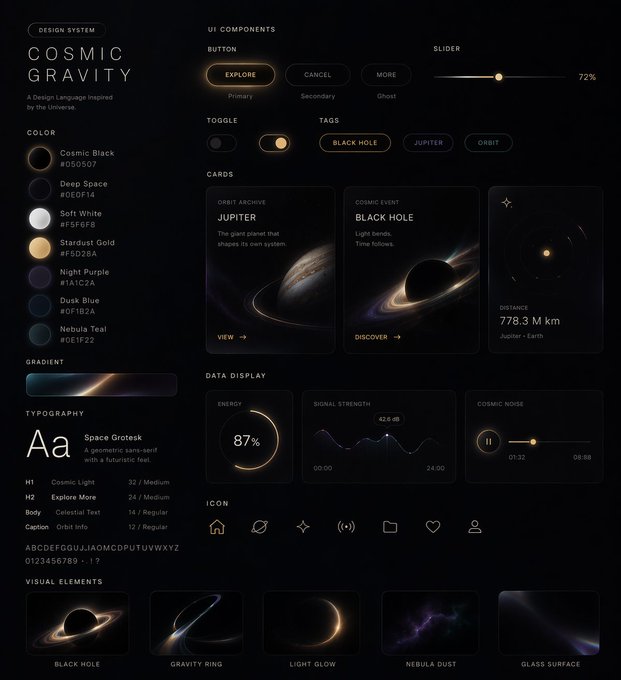
Generate a UI design system for me in xx style, including web pages, mobile, cards, controls, buttons, and others
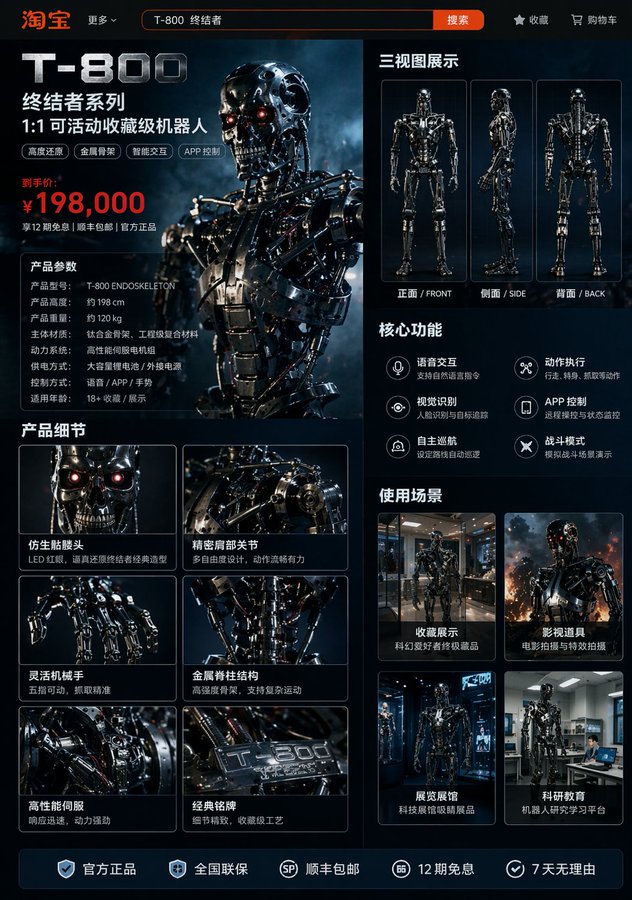
Generate image: Taobao product detail page of a T-800 robot, showing: front, side, and back three-view drawings of the robot, product price, product details, functions and usage scenarios
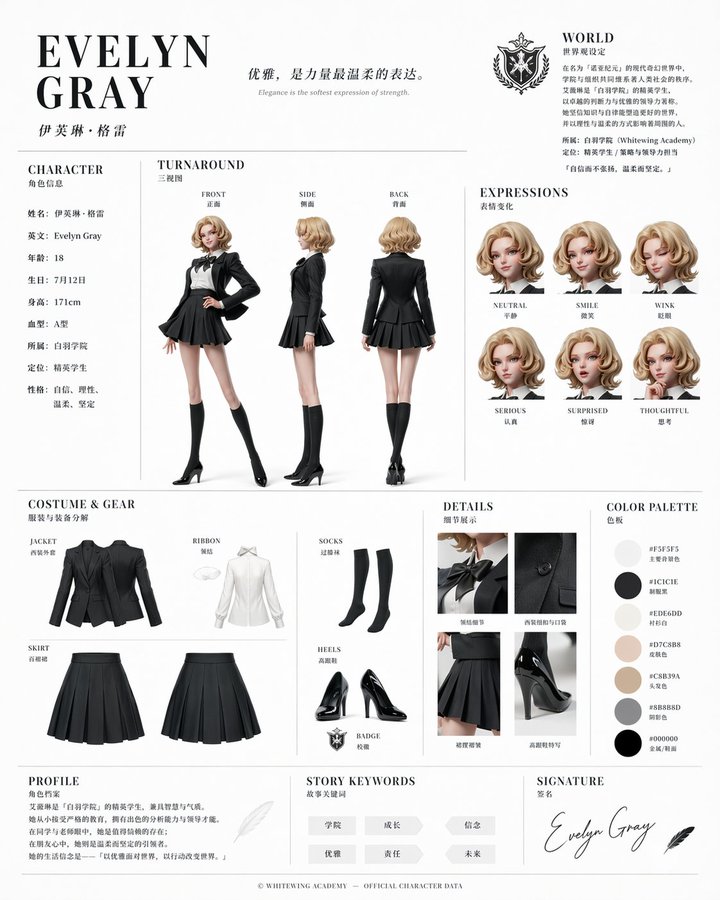
Based on this character and background, please create a character reference sheet similar to official setting materials. ・Includes three-view drawings: front view, side view, and back view ・Add variations of the character's facial expressions ・Break down and display detailed parts of the clothing and equipment ・Add a color palette ・Include a brief explanation of the worldview setting ・Overall, use an organized layout (white background, illustration style)
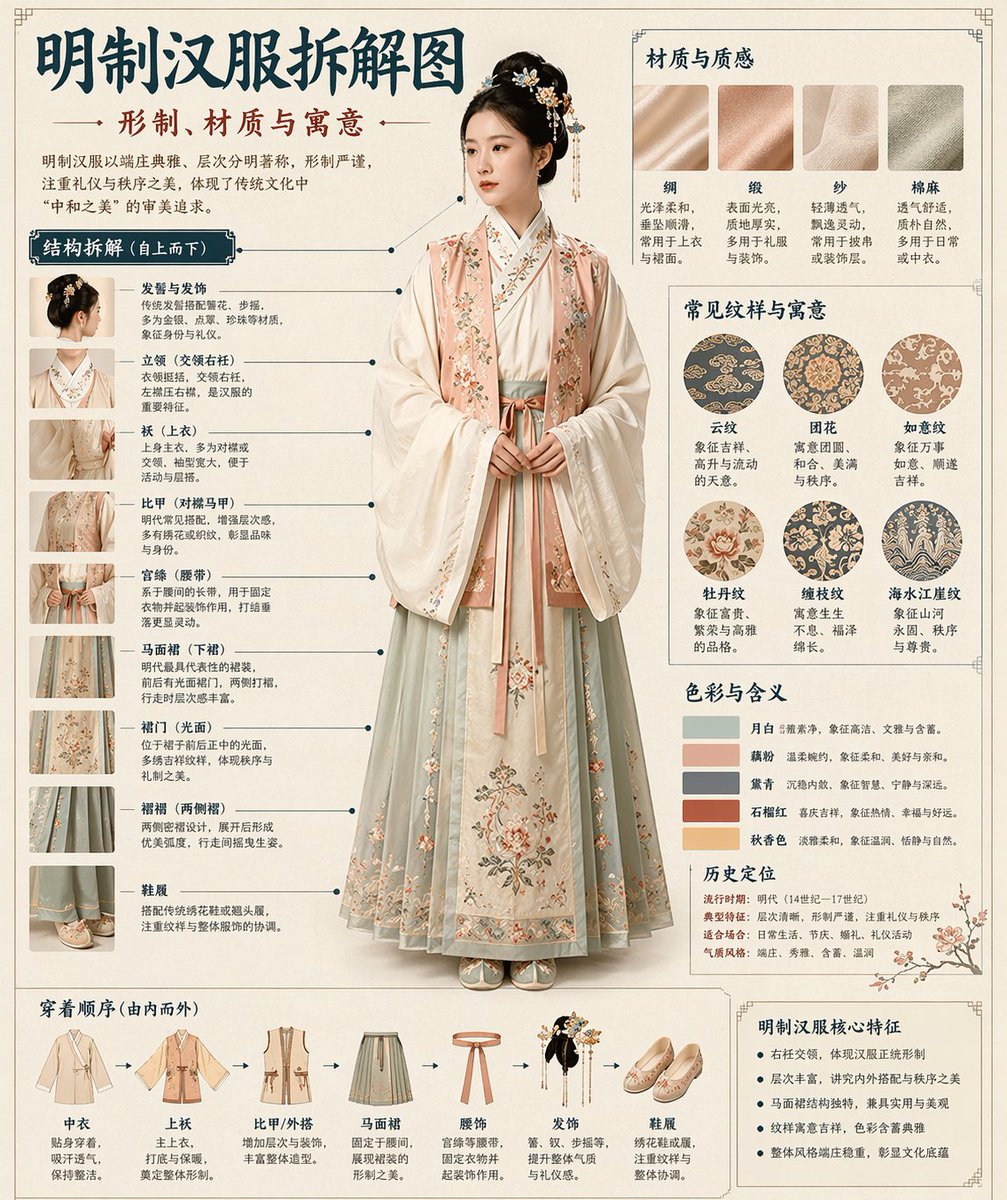
Museum catalog-style Chinese disassembly infographic of a classical object. Clean cream background, museum editorial layout, precise callout lines, numbered structure labels, balanced typography hierarchy, bilingual museum annotation feel, elegant negative space, and a polished print-design presentation.
Open the generator, choose your mode, and start creating. Cyberbara gives you direct access to GPT Image 2 without API setup.
Yes. GPT Image 2 is already available on Cyberbara, and this page links directly to the embedded generator.
No. You do not need your own OpenAI or Kie API key to use GPT Image 2 on Cyberbara.
No separate OpenAI account setup is required for this page. You use Cyberbara credits and Cyberbara handles access to the model.
Yes. The embedded generator supports both text-to-image and image-to-image, and both tabs default to GPT Image 2.
Text-to-image defaults to the GPT Image 2 text model, and image-to-image defaults to the GPT Image 2 image editing model.
Yes. Switch to image-to-image, upload one or more supported reference images, and generate from there.
Yes. The current GPT Image 2 image-to-image flow on Cyberbara follows the latest KIE documentation and requires both a prompt and at least one reference image.
You use Cyberbara credits instead of managing direct API billing. That keeps usage simple when you just want to generate and iterate.
Yes. Completed tasks can be downloaded, and supported outputs can also be added to your assets from the generator history.
Yes. The generator includes task history so you can revisit prompts, preview outputs, and rerun previous ideas.
No. The gallery is only supporting material. The main purpose of this page is to let you use GPT Image 2 on Cyberbara without API setup.
Cyberbara removes the setup work. You do not need to handle API keys, billing integration, upload plumbing, or task polling just to start testing GPT Image 2.