
Pattern: PhotographyOpenNana
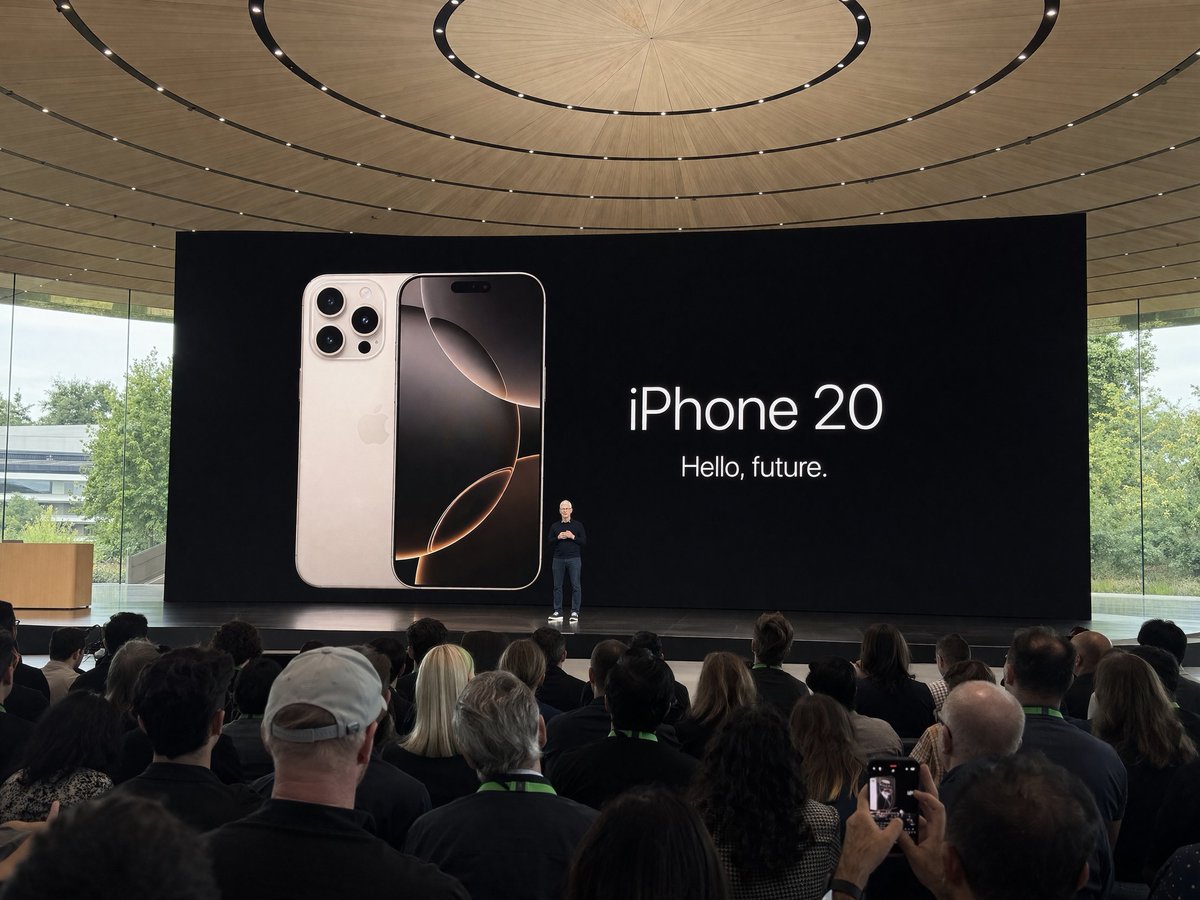
Apple Park Keynote Crowd Shot
Amateur iPhone photo at Apple Park during the iPhone 20 keynote, Tim Cook presenting on stage. Shot from the crowd at a distance
Create polished images in two modes: text-to-image or image-to-image. GPT Image 2.5 supports Flare and Sunburst, transparent background output, and up to 4K resolution at prices 30%+ below official access.
Immersive mode
Use the GPT Image 2 panorama viewer for draggable full-screen environments.
Prompt library
Copy proven prompt patterns and run them with the image generator.
分享
分享这个工具。
Generate from a prompt or transform reference images with text-to-image and image-to-image.
Choose the Flare or Sunburst mode for the look and workflow you want.
Export with auto, transparent, or opaque backgrounds and choose 1K, 2K, or 4K resolution.
The same GPT Image 2.5 workflow costs less on Cyberbara, with transparent credit pricing by resolution.
1K
6 credits per image
2K
10 credits per image
4K
16 credits per image
Copy a prompt and try it directly in the generator.
Amateur iPhone photo at Apple Park during the iPhone 20 keynote, Tim Cook presenting on stage. Shot from the crowd at a distance
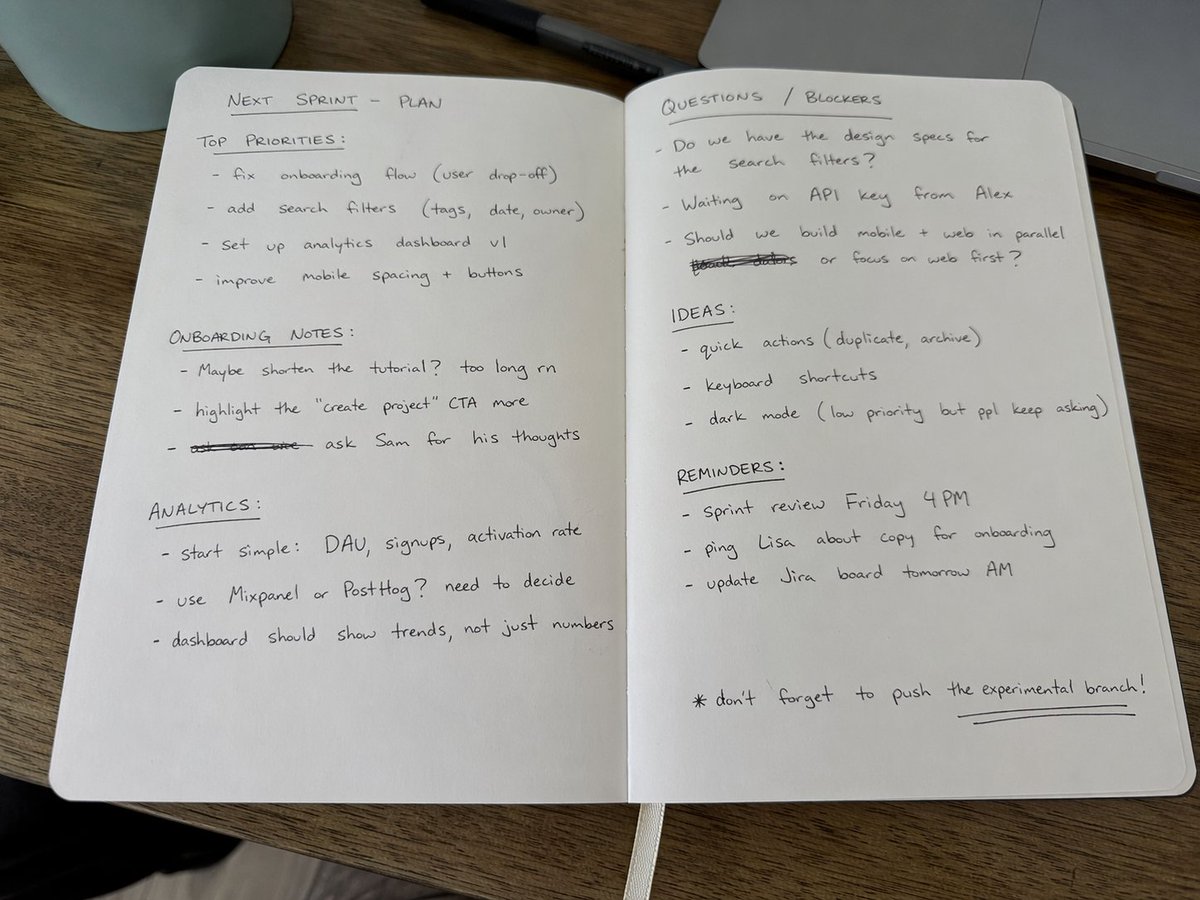
Amateur photo of an open notebook lying flat, filled with handwritten notes in black ballpoint pen. The handwriting is casual and slightly messy, like personnal notes, natural imperfections, crossed out words, underlined headings. Shot from slightly above, natural daylight from a window, no flash. Casual desk setting, shot on iPhone

9:16 aspect ratio, generate a screenshot of a Douyin live stream, inside is Liu Yifei live streaming, Liu Yifei is holding a sign in her hand, the sign says Tonight's live stream, welcome to join Yifei for a chat!
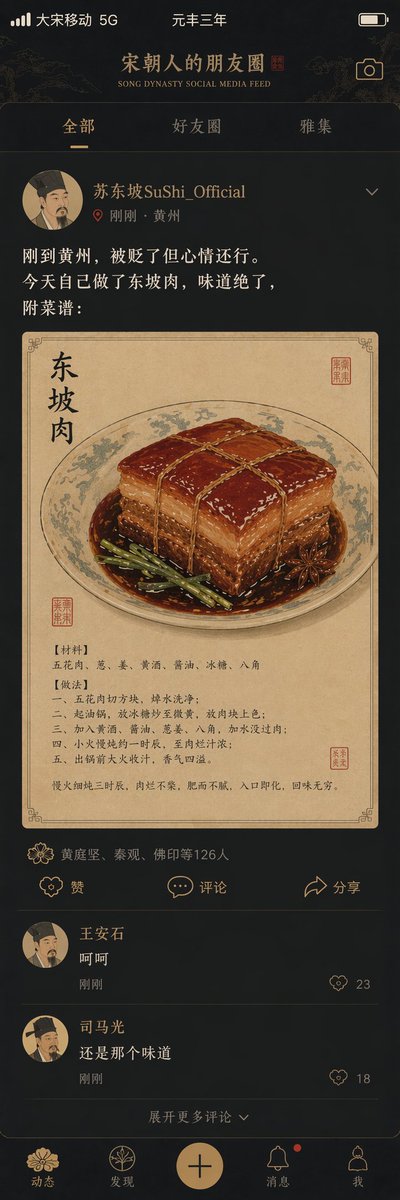
"Song Dynasty People's Moments"/"SONG DYNASTY SOCIAL MEDIA FEED", Ancient and modern time-travel humor fusion interface design style, The image simulates a mobile phone social media interface, but the content is entirely Song Dynasty scenes, The avatar is a portrait of a Song Dynasty literati, Username "Su Dongpo SuShi_Official", Post content "Just arrived in Huangzhou, demoted but feeling okay. Made Dongpo pork myself today, tastes amazing, recipe attached:", The attached image is a close-up of Dongpo pork in Gongbi painting style, Likes list "Huang Tingjian, Qin Guan, Fo Yin etc. 126 people", Comments section "Wang Anshi: Hehe" "Sima Guang: Still the same taste", Interface elements such as the like icon are replaced with Song Dynasty patterns, The status bar shows "Great Song Mobile 5G" and "Third Year of Yuanfeng", The color scheme is mobile phone dark mode paired with elegant Song Dynasty tones, A masterpiece of fun collision between history and social media
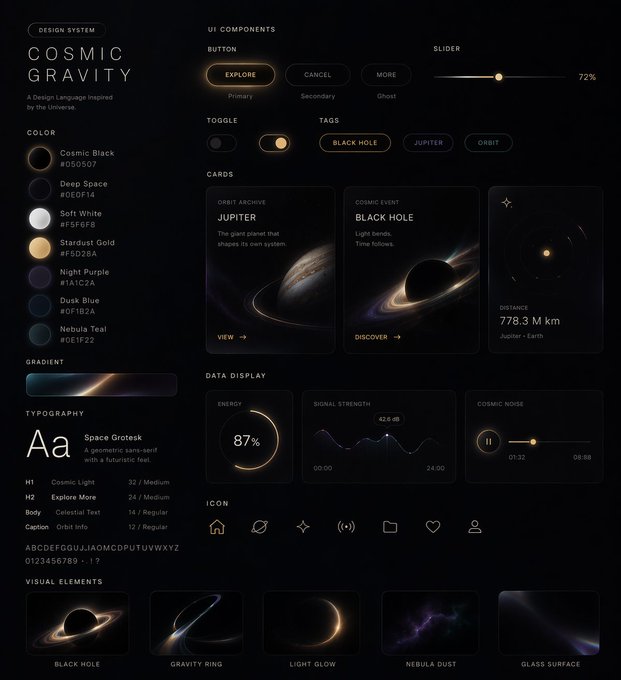
Generate a UI design system for me in xx style, including web pages, mobile, cards, controls, buttons, and others
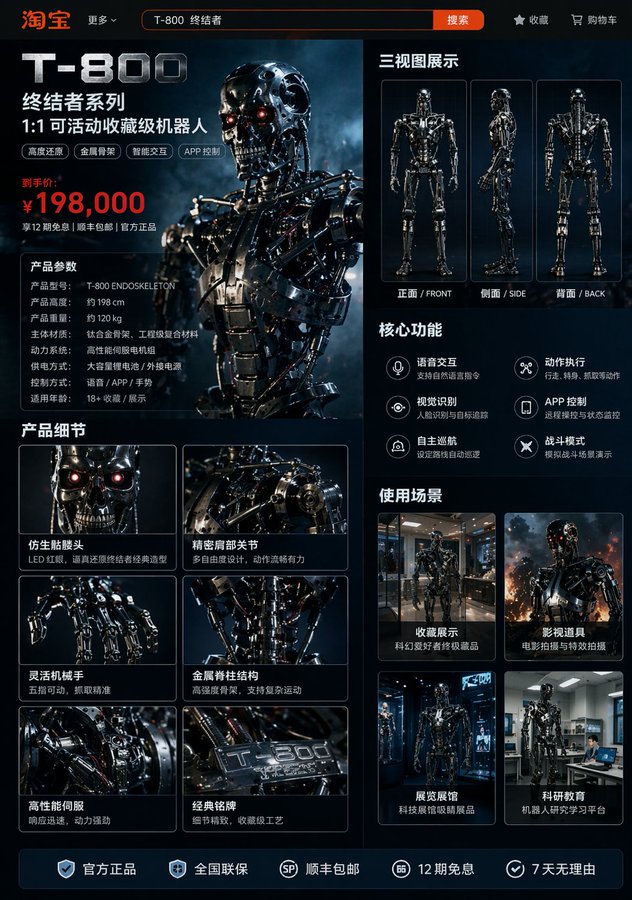
Generate image: Taobao product detail page of a T-800 robot, showing: front, side, and back three-view drawings of the robot, product price, product details, functions and usage scenarios
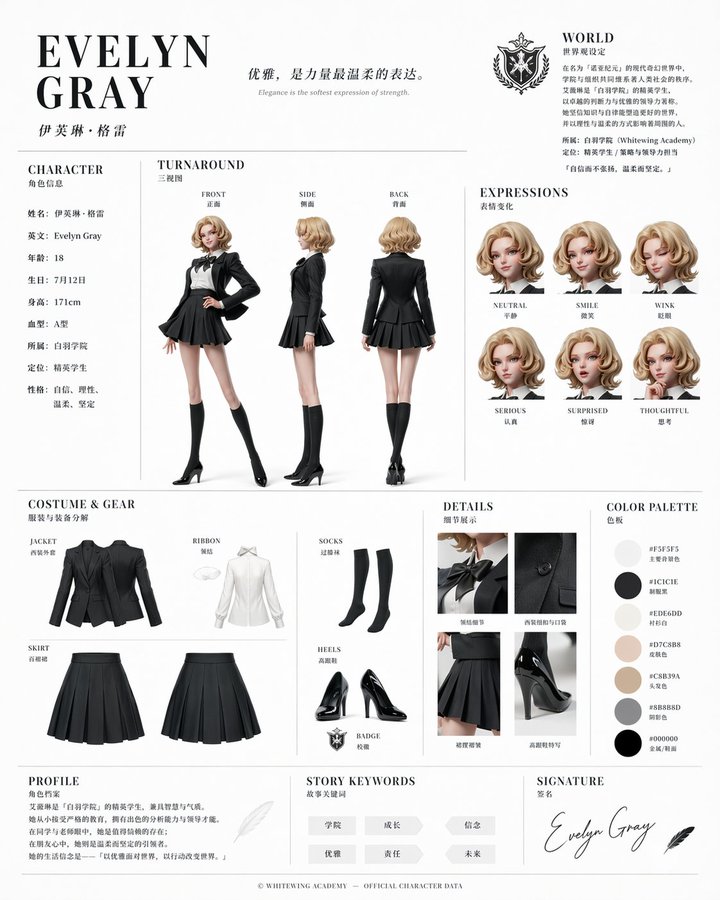
Based on this character and background, please create a character reference sheet similar to official setting materials. ・Includes three-view drawings: front view, side view, and back view ・Add variations of the character's facial expressions ・Break down and display detailed parts of the clothing and equipment ・Add a color palette ・Include a brief explanation of the worldview setting ・Overall, use an organized layout (white background, illustration style)
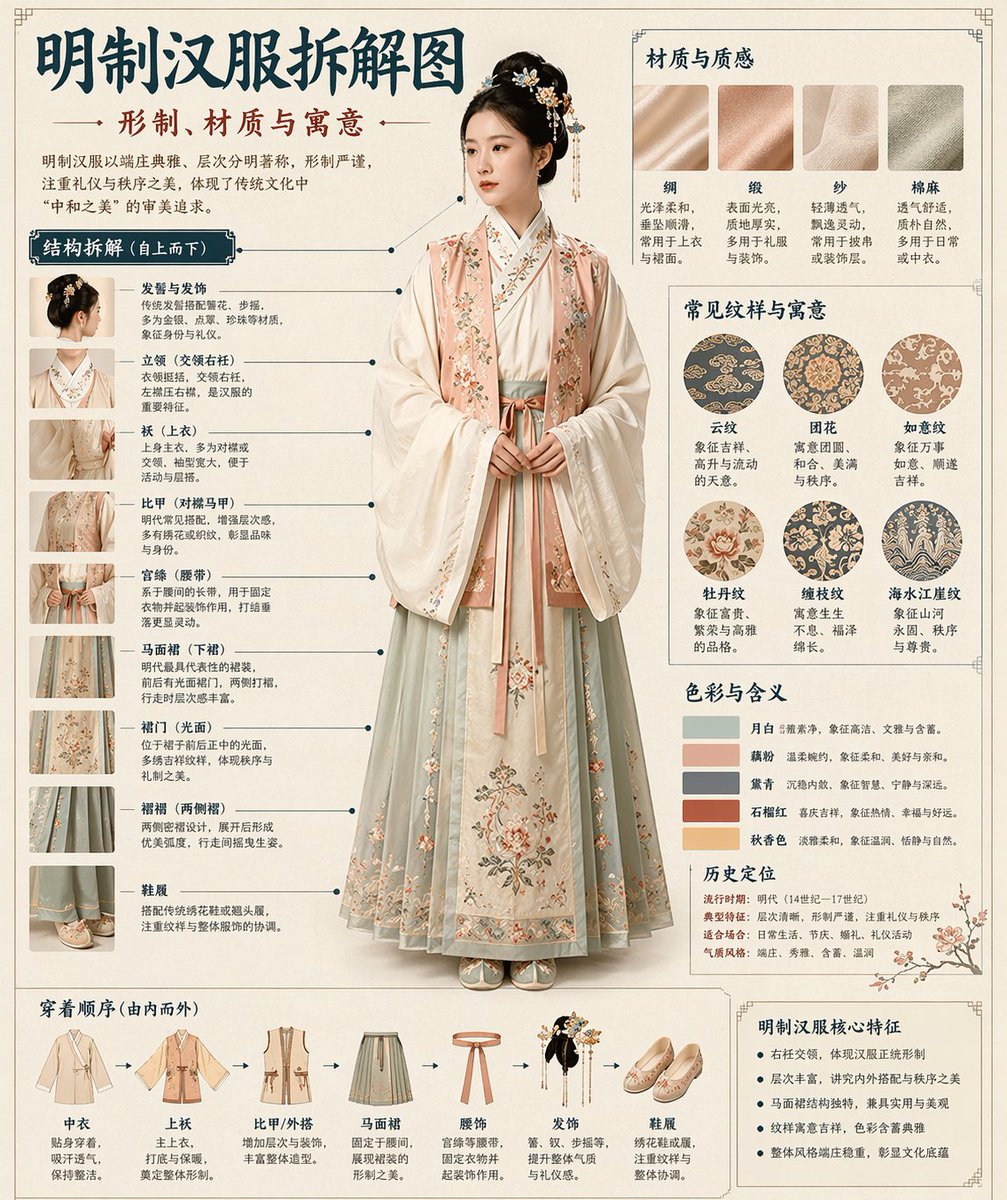
Museum catalog-style Chinese disassembly infographic of a classical object. Clean cream background, museum editorial layout, precise callout lines, numbered structure labels, balanced typography hierarchy, bilingual museum annotation feel, elegant negative space, and a polished print-design presentation.
Open the generator and start creating with text or reference images.
You can choose Flare or Sunburst, and use either text-to-image or image-to-image mode.
Yes. Choose auto, transparent, or opaque background output before generating.
Yes. Select image-to-image and upload reference images before generating.
Use it for product visuals, concept art, social graphics, edits, and other prompt-driven image workflows.